
The Deep Web might sound mysterious, but you've probably used it several times today without realizing it. Much of it consists of ordinary online services and information that don't appear in search results.
Unlike the Dark Web, the Deep Web doesn't require specialized software or anonymity tools. Here's what it includes, how it works, and why the distinction matters.
What is the Deep Web?
The Deep Web is any web content standard search engines don’t index, such as your email inbox or your online order history. It isn’t a separate network or technology, and most people use it every day.
Your inbox counts as Deep Web content because search engines can’t reach it. The definition of the Deep Web is about search visibility and access, and has nothing to do with whether a page is suspicious or illegal.
- Most people use the Deep Web daily without special software or technical knowledge.
- Visiting the Deep Web is legal, though the law still applies to what you do there.
- The Dark Web is a small, deliberately hidden part of the Deep Web that usually requires Tor.
- A page that search engines can’t find may not be secure, so private content still needs a password.
- Phishing and reused passwords are common ways attackers break into Deep Web accounts.
Surface Web vs. Deep Web
Search engines use crawlers to discover web pages and decide which ones to include in their search indexes. The Surface Web consists of publicly accessible content that search engines have indexed, while the Deep Web includes content that isn't indexed.
A single website can contain both. For example, an online store's product pages may appear in search results, while your personal order history remains accessible only after you log in.
How does the Deep Web work?
The Deep Web works through barriers that stop search engine crawlers from finding or reading a page. That barrier might be a login screen, a paywall or a site owner’s instruction to skip the page.
Websites use them without any special technology, and some pages have more than one. These are the most common reasons a crawler misses a page:
|
Barrier |
Example |
Why search engines miss it |
|---|---|---|
|
Logins and access controls |
Your email account or a workplace system |
A crawler has no username or password, so it stops at the sign-in page |
|
Paywalls and subscriptions |
News sites and streaming services |
Full content may require a subscription, although search engines can sometimes index paywalled pages or portions of their content |
|
Database-generated content |
Flight search results |
Some results are generated only after a user submits a search, making them difficult for standard search engines to discover and index |
|
Unlinked pages |
A document shared by direct link |
Crawlers find pages by following links, and no other page links to this one |
|
Crawler restrictions |
Pages a site owner asks search engines to skip |
A robots.txt file can restrict crawler access, while a noindex directive tells search engines not to include a page in their results. Neither protects private informationengines usually comply |
A crawler gets stuck at these points, but people with the right login, link or permissions can still get through. So can anyone who finds an unlinked page’s address, and crawler restrictions are only requests that a site can’t enforce. To protect private content, sites rely on passwords and permissions, and those handling sensitive data usually add encryption, so anything intercepted in transit is harder to read.
Independently tested and awarded by the industry's leading labs.



What is the difference between the Deep Web and the Dark Web?
Deep Web content stays out of search results for various reasons, including login requirements, access restrictions, and technical limitations. The Dark Web is a much smaller, intentionally hidden part of the Deep Web that uses anonymity networks to help conceal users' and website operators' identities.
Dark Web services often use .onion addresses and require specialized software such as the Tor Browser to access them. These services can support legitimate privacy needs but may also be used for illegal activities.
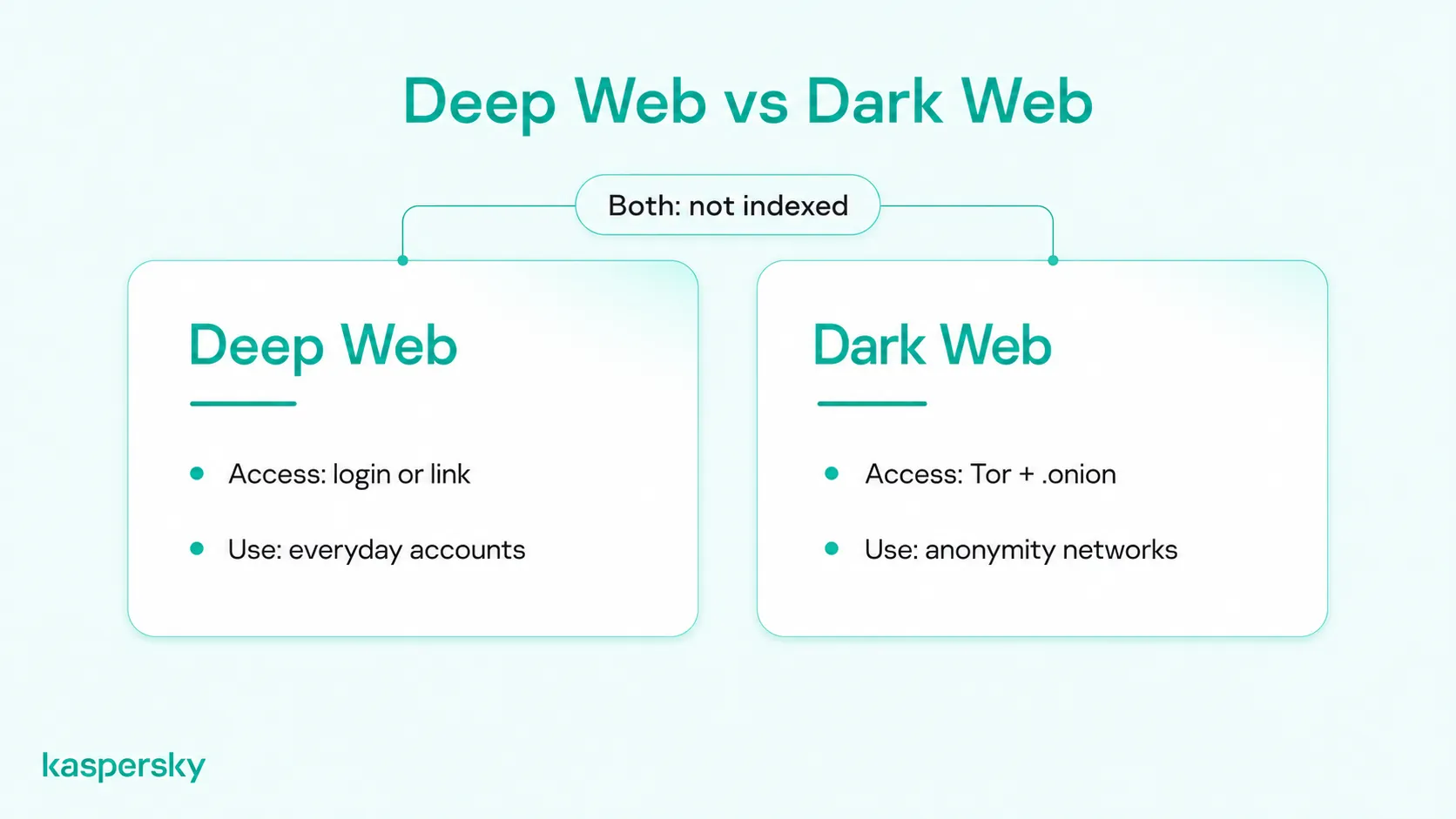
This table shows where the two differ:
|
|
Deep Web |
Dark Web |
|---|---|---|
|
Indexed by search engines |
No |
No |
|
Who can reach it |
Anyone with the right link or access credentials |
Users of specialized anonymity networks |
|
Typical content |
Email, online banking, cloud storage, subscriptions, databases |
Anonymous forums and .onion services, some legitimate and some criminal |
|
Purpose |
Private, restricted, or unindexed content |
Hiding the identity of site operators and visitors |
|
Access requirements |
A standard browser plus a login, direct URL or search query |
Tor or similar software plus the site's .onion address |
What can you find on the Deep Web?
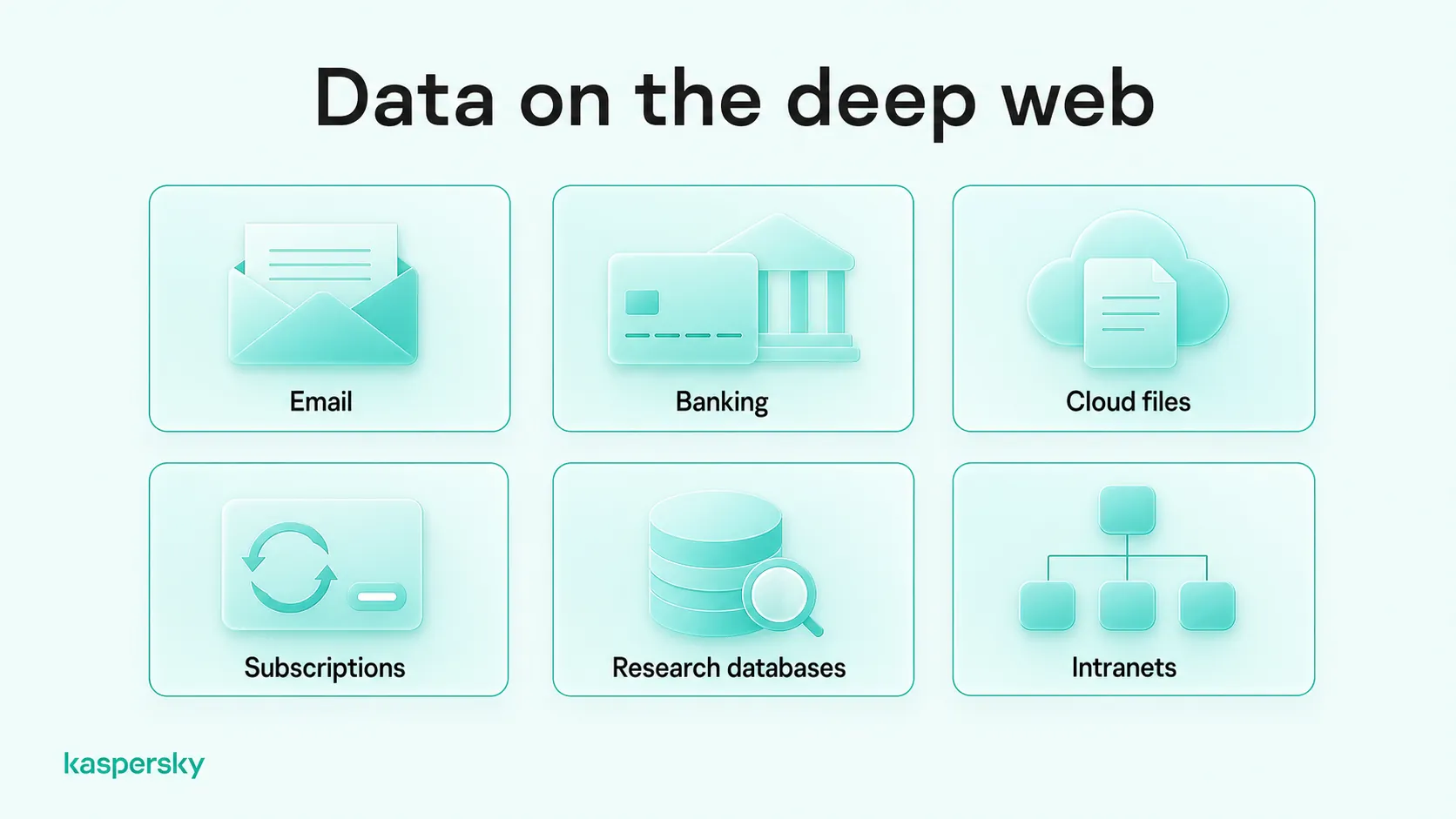
The Deep Web contains a wide range of everyday and specialized information, from personal accounts and subscription services to research databases and organizational records. Some resources require a login or permission, while others simply aren't included in standard search results.
Personal and everyday services
Your email inbox, online banking, cloud storage, patient portal and account dashboards only open after you log in, so search engines can’t reach them. Social media posts you’ve shared only with friends are limited by permissions, and news or streaming subscriptions show their full content only once you’ve paid.
Databases and restricted resources
Universities, businesses and government departments also keep large amounts of information on the Deep Web. These include academic journal databases, company intranets, digital archives and internal documents.
Some of this information only appears when you search for it. A court records portal may hold millions of cases, but it builds a results page only when you search the portal itself. University journal libraries work the same way, and many ask you to log in before you can read the knowledge they hold.
How do you access the Deep Web?
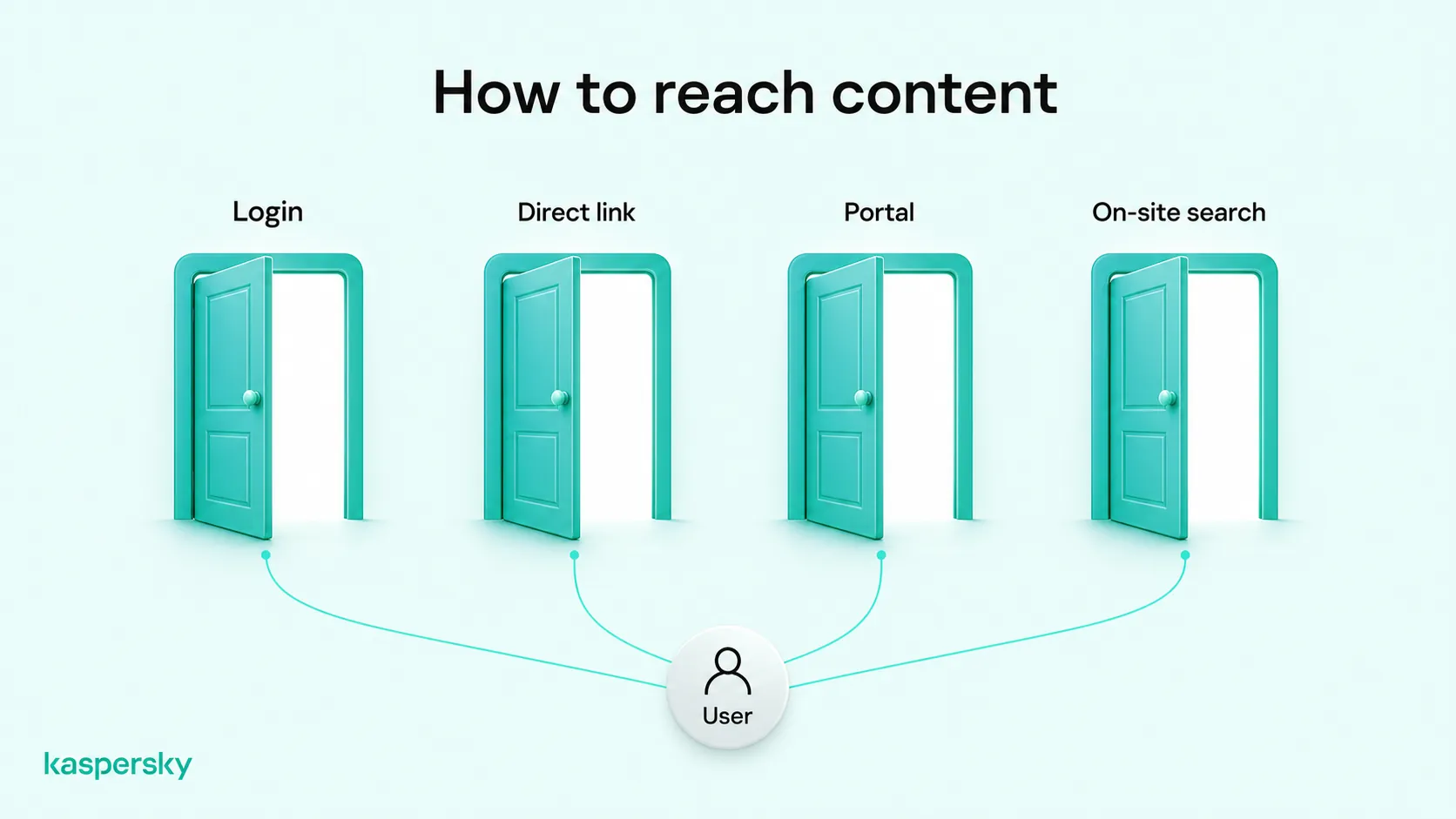
You don’t need special software to access the Deep Web. The browser or app you already use will open most of it once you sign in or follow the right link.
Since there’s no single Deep Web site, browser or network to enter, how to access the Deep Web depends on what you’re trying to reach:
- Your accounts: sign in to your email or online banking.
- Shared files: open a direct link to a private cloud storage folder someone shares with you.
- Private portals: log in to a workplace intranet or your university library.
- Searchable databases: use a site’s own search form, such as a library catalog or a flight booking tool.
Tor and similar anonymity tools aren't needed for ordinary Deep Web services. Tor Browser is used to access .onion services on the Dark Web, which aren't available through standard browser connections.
Is the Deep Web safe and legal?
The Deep Web is not inherently illegal or dangerous. Most people use legitimate Deep Web services every day, including email, banking, and private online accounts. However, the same security risks found elsewhere online, such as phishing, malware, and data breaches, still apply.
The term “Deep Web” only describes how content is found and reached, not whether that content is lawful or trustworthy. What you do there is still subject to the law, which varies by country. Signing in to your own email is legal, but getting into someone else’s account without permission isn’t.
A page also isn’t inherently riskier because search engines skip it. Your bank, for example, usually protects your account pages more carefully than its public homepage.
Attackers target Deep Web accounts with the same methods they use elsewhere online:
- Phishing and scams: fake login pages and messages may copy your bank or email provider to capture your password.
- Malware: malicious downloads or attachments may install software that records what you type.
- Credential theft: passwords stolen from one service may be tried on your other accounts.
- Data breaches: a service you use may be hacked, exposing your data through no fault of your own.
Emails, financial records, and medical information are often stored in private Deep Web services. Their presence there does not mean they have been leaked or compromised. However, security breaches, unauthorized access, and accidental exposure can put this information at risk.
How can you stay safe when using Deep Web services?
Many attacks start with how you sign in or what you download, so these habits can help keep your accounts secure:
- Use a strong, unique password for each account, so a leak at one service is less likely to unlock the others. A password manager can create and remember them for you.
- Turn on multi-factor authentication, which asks for a second check, such as a code on your phone. A stolen password alone may then not be enough to get in. Start with your email account, since it’s often used to reset your other passwords.
- Check the address before you sign in, because phishing pages often copy real login screens. Type the address yourself or use a bookmark instead of following links in emails or messages.
- Keep your browser, operating system and security software updated, as updates often fix the flaws attackers use to deliver malware.
- Download files and open attachments only from sources you trust, and give each site only the personal information its service needs.
Kaspersky Premium includes antivirus and phishing protection, a password manager, and alerts if your passwords appear in a data leak.
Related Articles:
Related Products:
FAQs
Is the Deep Web real?
Yes. The Deep Web is real, but it is not a hidden place or a separate internet. It is web content that search engines do not index, such as account pages, subscription content, and private databases.
How big is the Deep Web?
No one can measure the Deep Web precisely. Content that search engines cannot index is hard to count, so estimates vary widely. It is likely far larger than the Surface Web, because it includes every private account.
Is the Deep Web anonymous?
Not usually. Most Deep Web services require you to sign in, so the service knows which account is using it. HTTPS encryption helps protect your data in transit, but it does not hide your identity from that service.
Can anyone access the Deep Web?
Yes. Some Deep Web content is accessible through direct links, while private accounts, subscription services, and restricted databases require login credentials or permission. Most Deep Web content can be accessed using a standard browser.


