Kaspersky Secure Password Manager

Kaspersky Password Manager

Kaspersky Password Manager


Kaspersky Password Manager is the latest advancement in digital identity protection, providing multiple layers of defense against keyloggers and hackers. You only have to remember one master password, and log-ins are completed automatically.

Key Features
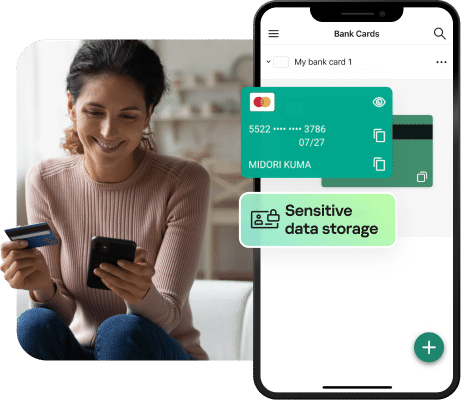
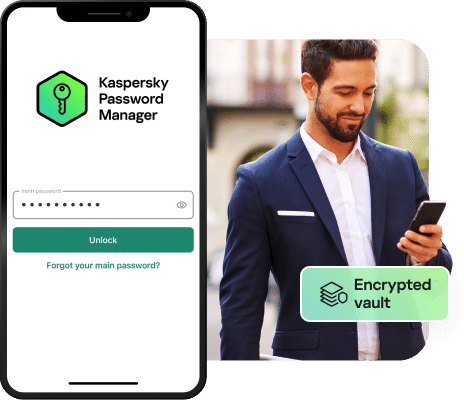
  • Secures passwords and personal data in an encrypted vault
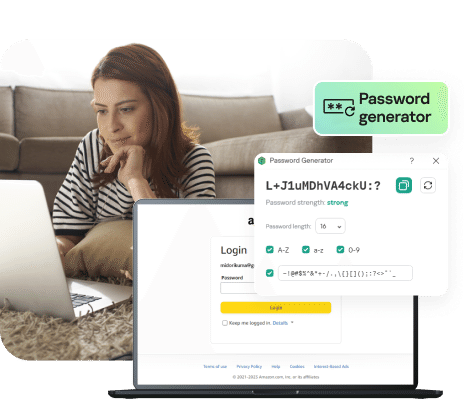
  • Generates random, strong passwords that are nearly impossible to crack
  • Virtual Keyboard uses mouse-clicks instead of traceable key strokes
  • Extremely convenient with only one master password for you to remember
  • Automatically completes log-ins and long web forms
  • Portable version can be saved to a flash drive and safely used on multiple PCs

Download


1 User Management
2 User Management

Protect your digital identity!
Store passwords securely and with confidence.

$24.95

Need management for more PCs?


3 PCs - 1 Year Protection

Protect your digital identity!
Store passwords securely and with confidence.

$35.00


Features List
Features List
+ Hide All
  • Secure storage of passwords and personal data
    Kaspersky Password Manager securely stores your passwords and personal data in an encrypted vault on your computer. The vault can only be accessed by a master password or other authentication method that you define, ensuring that your passwords are always safe.
  • Easy website log-in
    Kaspersky Password Manager fills logins and passwords automatically. It supports major browsers, including Internet Explorer and Firefox, and Windows applications. So you no longer have to remember all of your usernames and their associated passwords – just one master password.
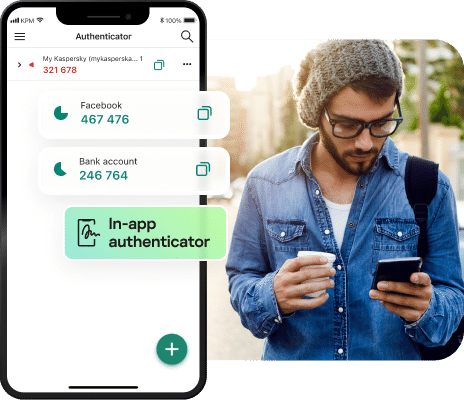
  • A choice of authentication methods
    Kaspersky Password Manager helps you control access to your password vault with a master password, or by using a flash drive or Bluetooth device, such as your mobile phone. Simply configure your password vault so that it is only available when your mobile phone is connected to your computer via Bluetooth. If you leave your computer and take your phone with you, the vault will lock automatically.
  • Generation of random, strong passwords
    The security of your data depends directly on the strength of your passwords. And many people use similar, if not identical, passwords for multiple accounts, leaving you vulnerable if a single password is cracked. Kaspersky Password Manager can generate random, strong passwords for you that are extremely difficult to crack.
  • Automatic completion of lengthy forms
    Websites often ask you to enter your personal information, such as your full name, date of birth, gender, email address, mailing address and phone number. Kaspersky Password Manager helps you save time by automatically entering this information for you.
  • Portable version of Kaspersky Password Manager
    Save your password vault to a flash drive and enjoy access to it while you're working on other computers – without having to install a thing. Once the drive is removed, the password vault locks automatically and all traces of your password data on the host machine are removed.
  • Effective protection against keyloggers
    A keylogger is a malicious program that can track keystrokes on your computer to illegally capture personal data, such as passwords. Since Kaspersky Password Manager enters passwords without actually using the keyboard, your passwords are protected. And with the Virtual Keyboard feature, you don't even need to use keystrokes to enter your master password.
  • Protection from phishing attacks
    Phishing is a type of hostile activity whereby you're invited to visit a phony, but authentic-looking website in the hopes that you'll divulge account information. Kaspersky Password Manager effectively counters phishing attacks by ensuring that a URL is authentic before logging you on to the website.
Operating System
Supported Operating Systems
  • Microsoft Windows XP Home Edition
  • Microsoft Windows XP Professional
  • Microsoft Windows XP Professional x64 Edition
  • Microsoft Windows Vista Home Basic (32/64 bit)
  • Microsoft Windows Vista Home Premium (32/64 bit)
  • Microsoft Windows Vista Business (32/64 bit)
  • Microsoft Windows Vista Enterprise (32/64 bit)
  • Microsoft Windows Vista Ultimate (32/64 bit)
  • Microsoft Windows 7 Home Premium (32/64 bit)
  • Microsoft Windows 7 Professional (32/64 bit)
  • Microsoft Windows 7 Ultimate (32/64 bit)
Hardware Requirements
  • 512 MB RAM (recommended)
  • 10 MB free space on the hard or flash drive
Supported Web Browsers
  • Microsoft Internet Explorer 6.0 - 9.0
  • Mozilla Firefox 2.x, 3.x, 4.x, 5.x
  • Google Chrome 6.0, 10.0 11.0 12.0
  • Maxthon 2.5.x
  • Flock 2.х
  • Seamonkey 2.0.8

*Supports 32-bit applications and browsers.